


Blog

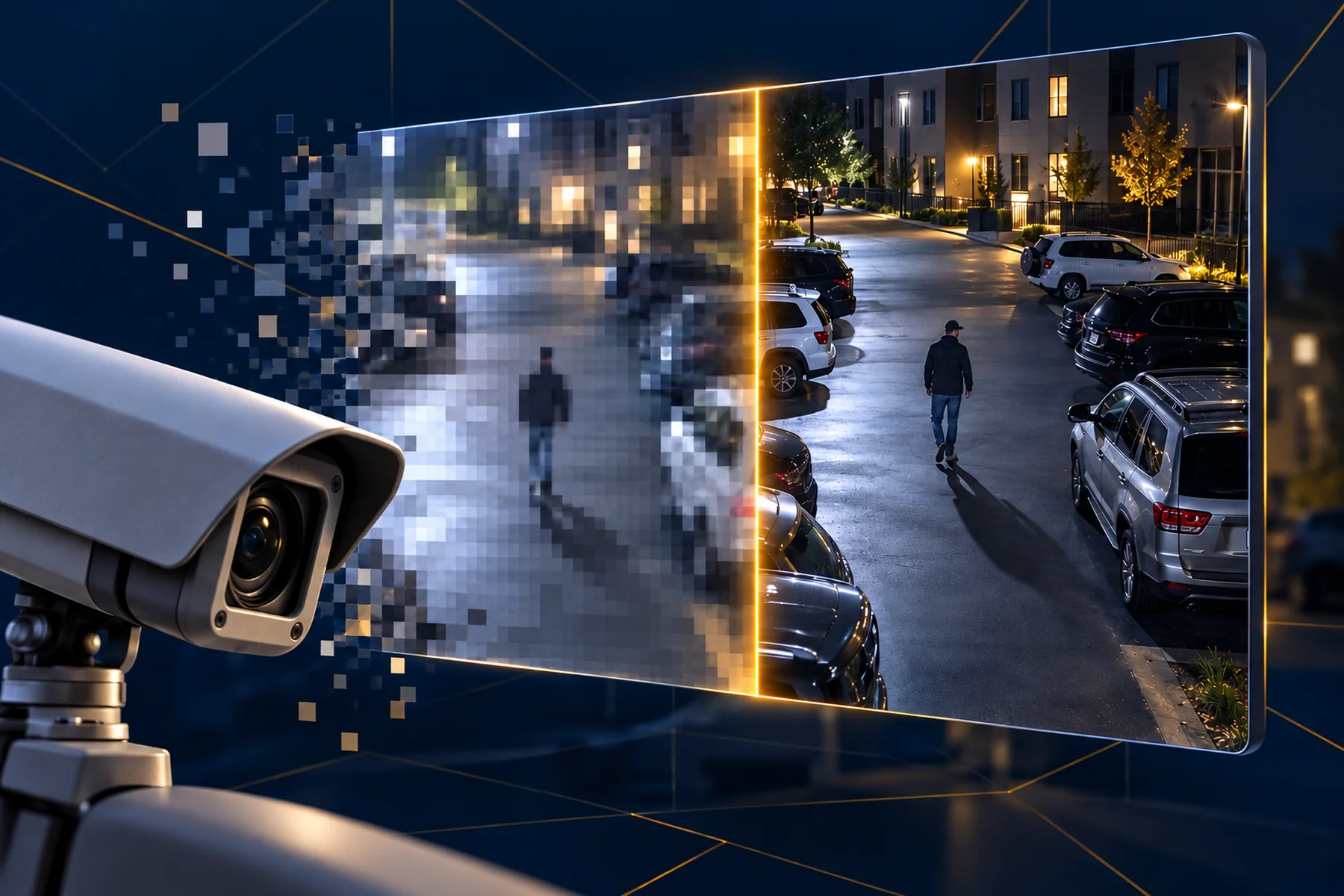
QUICK ANSWER
Three reasons, and they stack. Resolution and camera age set a ceiling that no software can lift. Compression throws away detail to save storage, usually at a setting nobody chose deliberately. And when AI analytics underperform, the cause is almost always the training data — models trained on catalogue photographs do not recognize the real world, which looks nothing like a catalogue.
Everyone has seen it. A crime happens on camera, the footage is released, and the person in the frame could be anybody. The cameras were working. The footage is still useless.
Most installed security cameras are 2 MP — the 1080p standard. That is enough to see that a person crossed a car park. It is often not enough to say which person, especially at distance, and a license plate at forty feet may simply not be there to recover.
Software can sharpen an image. It cannot invent detail the sensor never captured. When a television detective says “enhance,” what actually happens in the real world is that you make a blurry image bigger.
Age compounds it. Lenses go hazy, housings yellow, sensors degrade, and a camera mounted eight years ago is pointed wherever the landscaping was eight years ago. Infrared illuminators dim. Night footage that was adequate at install can be unusable by year six without anyone noticing the slide.
Video is compressed to save storage, and compression works by throwing away information. Set the bitrate too low and faces smear, fast movement turns to blocks, and exactly the frames you need — the ones with motion in them — are the ones that degrade worst.
This is the most fixable cause on the list and the least often addressed, because the setting lives in a configuration menu that nobody opened after install. A property can sometimes gain a usable image just by raising the bitrate on the four cameras that matter.
This is the one almost nobody asks about, and it explains most of the gap between a dazzling demo and a disappointing deployment.
Computer vision is built by showing a model enormous numbers of labelled images until it learns to recognize something. The question that decides whether it works on your cameras is where those images came from.
Search for photographs of a handgun and you get catalogue product shots: clean, centered, side-on, evenly lit, the whole object in frame against a white background. A model trained on those has learned to recognize a product listing.
What a gun looks like on a real surveillance feed is a partial shape, at an angle, in bad light, half out of frame, held by someone moving, at the top of a stairwell, at 3 a.m. The two images have almost nothing in common. A model trained on the first will miss the second, and it will do it confidently.
The same applies to everything else you might want detected: a backpack, a bicycle, a dog, a person on the ground. If the training images came from the open internet rather than from real surveillance cameras, performance in the demo and performance on your wall will not match.
Not a wholesale replacement. Walk the camera list and work out where resolution is genuinely costing you something: the entrances, the sightlines where identification matters, the places incidents actually happen. Upgrading six cameras at the points that matter usually buys more than replacing forty.
Then check the bitrate on those six. Then ask the AI questions above, because a better camera feeding a model trained on clip art is still going to disappoint you.
Cloudastructure is camera-agnostic, which means the AI runs on the cameras you already own — but working with any camera is not the same as working equally well with every camera. We will walk your camera list and tell you where the ceiling is before you buy anything. The full evaluation checklist is in our six questions guide.





.svg)
.svg)

.webp)

