

Blog

Most multifamily portfolios do not get to start over. The cameras are already on the walls, they were installed by three different vendors across six years, and replacing them across forty properties is a capital request nobody wants to write. So the real question when evaluating cloud video surveillance is not which platform has the best cameras. It is which platform will do the most with the cameras you already own.
That question has a less obvious answer than the marketing suggests. Nearly every vendor in this category now claims to work with existing cameras. What varies — enormously — is what “work with” gets you.
QUICK ANSWER
For multifamily teams with cameras already in place, the best cloud video surveillance platforms are the ones where every feature works on the cameras you own — not just the ones the vendor sells. Four questions sort the field fast: do all the features really work on my cameras, is someone actually watching, what am I signing up for, and who owns the video. Platforms built around their own cameras will take yours, but with strings attached. Cloudastructure, Eagle Eye and Spot AI are built to work with any camera.
There are three levels hiding behind that phrase, and which one you are being sold decides whether the switch saves you money or quietly costs you more.
Tier one: it stores your video
The platform connects to your cameras and sends the video up to the cloud. You can watch live and go back through recordings from anywhere. What you may not get is any intelligence about what the camera is actually seeing. This is the floor, and it is what most “works with 7,000+ cameras” claims are describing.
One thing worth untangling: connecting to a camera and getting the video safely out of the building are two separate problems. The second one carries more risk, and it has its own section below.
Tier two: it works, with strings attached
Platforms built around their own cameras will usually take yours as well — but on terms. Expect a ceiling on how many of your cameras one piece of their equipment can handle. Expect certain camera types to be left out of the smarter features. And expect searches and alerts to run slower on your cameras than on the ones they sell.
Two practical things matter more than the feature list. Vendors do not send software updates to cameras they did not build, so keeping your own cameras current — security fixes included — stays your job. And when something breaks, their support usually covers their equipment, not your camera. Neither is a flaw. Both are costs, and they belong in the comparison before you look at the monthly price.
Tier three: everything works on every camera
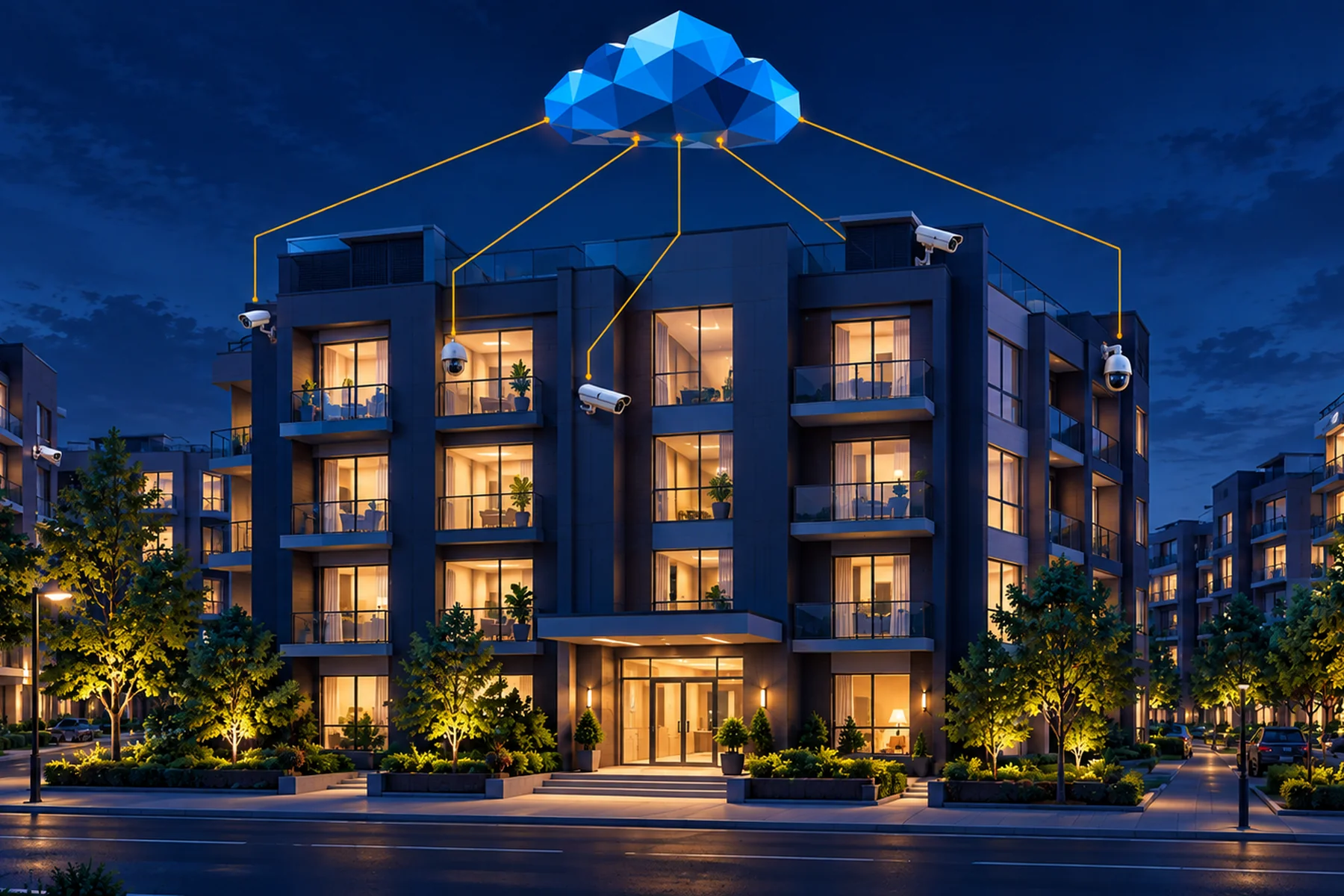
The analytics run the same regardless of whose logo is on the camera, because the intelligence lives in the cloud rather than in the device. Cloudastructure is built this way. The hardware footprint is deliberately minimal — an on-site CVR connects the camera network to the cloud — and beyond that there are no proprietary cameras to buy, so the same AI detection and optional remote guarding run on the cameras you already own as on new ones. For a portfolio with mixed hardware across properties, this is the difference between running one system and running forty.
What your existing cameras can and cannot support
Working with any camera is not the same as working equally well with every camera. The software can only read what the lens gives it, and the features that depend on fine detail suffer first. Facial recognition, license plate capture and anything that depends on resolving fine detail at a distance will return lower confidence on a 2 MP camera — the 1080p tier a great many installed cameras still sit at — than on a 5 MP or higher one. Age matters too. Lenses go hazy, sensors fade, and older cameras squeeze the picture harder to save space — all of it costing detail before the software ever sees the frame.
This is worth saying plainly, because most vendors will not. A platform that works with your existing cameras is not promising that every camera you own is adequate for every feature you want. The useful conversation is which cameras carry which capabilities, and where a targeted upgrade — a handful of cameras at the entrances and sightlines that matter most — buys more than a wholesale replacement ever would.
Ask any vendor to go through your camera list and tell you how sharp a camera has to be for the features you care about. The ones who answer specifically have done this before. The ones who say every camera works equally well have not.
THE QUESTION TO ASK ON EVERY DEMO
“Show me this feature running on a camera you did not sell me — and tell me how many of my cameras your equipment handles, which of them get left out, and who I call when one of them fails.” A vendor who answers plainly is easy to plan around. A vendor who talks around it is the risk.
This is the question your IT people will ask, and it is worth settling early.
An old-fashioned recorder keeps the video inside the building. To watch it from the regional office or from home, someone has to prop open a door in the property’s network and leave it open. It works. It is also a way in — and a way in for you is a way in for anyone else who finds it. A great many properties are running exactly this today.
A cloud system runs the traffic the other way. A small box on site sends video out to the cloud, and nothing comes back in. Cloudastructure works this way: the CVR sits with your cameras and only ever reaches outward, so you watch your property through the cloud instead of reaching back into the building. Nothing has to be propped open, your IT team has nothing to approve, and nobody on site has to maintain it.
Be fair about what this proves. Most modern cloud platforms work this way, so it is not much of an argument against them — it is a strong one against the recorder you are probably replacing. It is also not the same thing as the video being scrambled so nobody can read it along the way. Ask all three: does installing this open anything up, who keeps the on-site equipment current, and is the video encrypted on the way to the cloud and once it gets there.
Seven things separate a platform that works across a portfolio from one that works in a single office building.
The table below reflects each vendor’s own published material as of October 2026. Capabilities change; verify before you sign.
This is the criterion most buyers skip, and it is the one that determines what actually happens at 2 a.m.
AI detection is now table stakes. What differs is what follows the detection. Some platforms send an alert to your phone. Some route it to a third-party central station under a separate agreement. Some, like Spot AI, state plainly that there is nobody watching — the AI acts and hands a person a case afterward.
Cloudastructure’s model puts a trained agent in the loop before anything escalates. A computer watches 100% of your video footage in real time, and when it flags activity, the alert reaches a live remote guard in eight seconds or less. The guard verifies what is happening and responds while it is still happening — live, in the moment, not a recording and not a generic siren. Where a site has speakers, that response includes speaking to the person directly. Across monitored sites that produced a 98% deterrence rate in 2024 and 2025, and 97% in 2023. On guard spend, customers average a 40% reduction, and some save considerably more.
The agents are in-house and trained in-house rather than routed to an unaffiliated central station, which matters for accountability — every response is logged, and the people making the call answer to the same organization that sold you the platform. Guarding itself is optional and configurable: some customers run AI detection alone, others add live guards on specific properties, specific hours or specific camera groups.
Across this category, the default is a lock-in. Proprietary-camera platforms commonly sell per-device licenses running anywhere from one to ten years, and annual structures where service credits are the sole remedy when an SLA is missed. In the adjacent deployable market the pattern holds: twelve-month auto-renewing agreements, annual subscriptions, three-year rentals.
Cloudastructure sells month-to-month, contract-free, with unlimited 24/7 support included. For a portfolio rollout that difference is structural rather than cosmetic. It means a property that is not working can be addressed next month instead of at renewal, and it means the vendor has to keep earning the account every thirty days. Roughly 99% of customers stay anyway, at a 100% customer satisfaction score — which is rather the point of being willing to offer the terms in the first place.
For multifamily this question carries more weight than it does in commercial real estate, because the cameras are pointed at the places people live.
Cloudastructure customers own their footage. It is in the service agreement, access is always available to the customer, and Cloudastructure does not sell it or share it with third parties. The platform also does not auto-share footage with law enforcement — a deliberate choice, made against industry pressure, out of concern that standing law-enforcement access to private video raises Fourth Amendment questions that a property owner should get to decide for themselves rather than inherit from a vendor default.
That is a live distinction in this market. Some platforms are built around camera networks that share data outward by design. Ask any vendor what their default is, and whether you can turn it off.
Cloudastructure is a strong fit for multifamily portfolios with existing camera infrastructure, mixed hardware across properties, and a preference for proving value before committing capital. The platform is camera-agnostic, the AI and optional live guarding run on whatever cameras are already installed, every property lands in one dashboard, and the terms are month-to-month.
It works just as well on new construction. Cloudastructure supplies cameras for properties that want them, so a building going up from nothing gets the same platform, the same terms and the same freedom to add cameras from any manufacturer later. Camera-agnostic is not a retrofit-only proposition — it means the hardware decision stays open for the life of the system instead of being settled on day one.
The summary: whether the cameras are already on the wall or still on the truck, the platform does not care who made them — and neither does your renewal.
Schedule a free consultation. Bring a list of your current camera makes and models to the evaluation.
The vendor that can tell you — specifically, by model — what will and will not work is the one taking the retrofit seriously.





.svg)
.svg)

.webp)

.webp)